

Power PDF für den Bildungsbereich
Power PDF provides students and teachers professional PDF editing, conversion, annotation, and OCR tools tailored for academic work.
Why Students Choose Power PDF

Study and Research Efficiently
Work with lecture notes, research papers, and academic documents using a powerful PDF editor built for study workflows.

Simplify Collaboration
Annotate research materials, highlight key passages, and share feedback when working on group assignments or thesis drafts.

Work with Scanned Materials
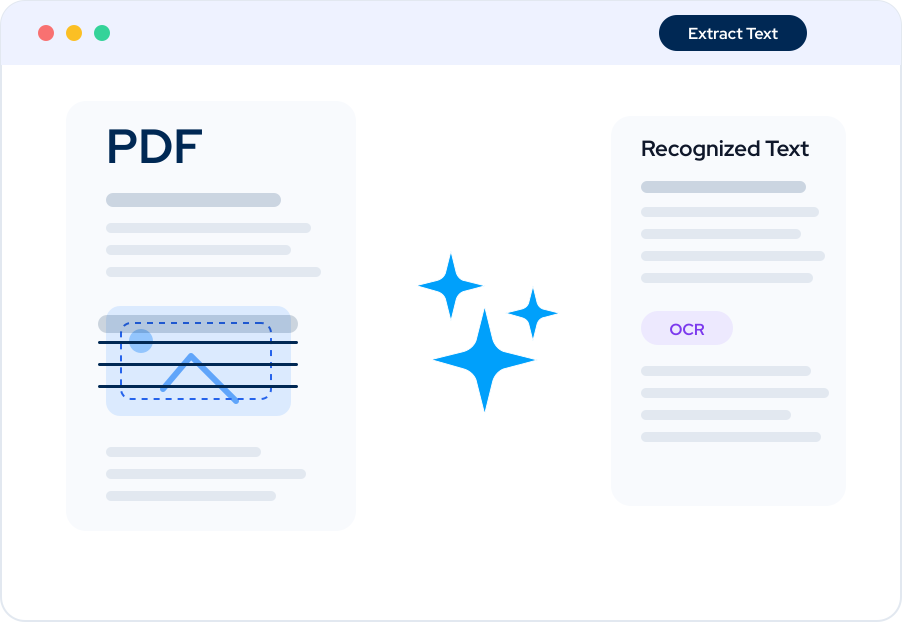
Use OCR to convert scanned textbooks and handwritten notes into searchable text.

Organize Academic Documents
Merge lecture slides, articles, and references into structured research files.
Core Features
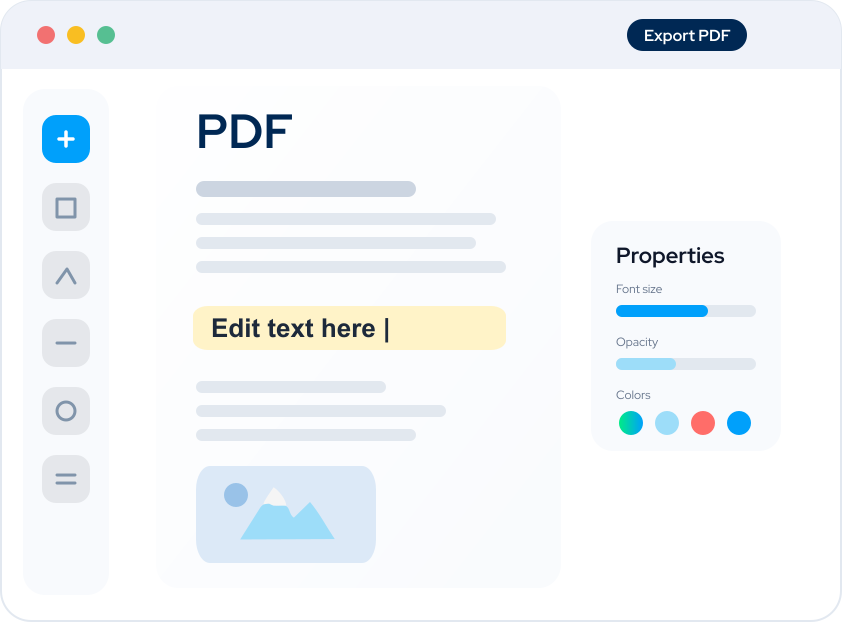
Edit PDF Documents
Modify text, images, and layout directly within a PDF file without converting it first.
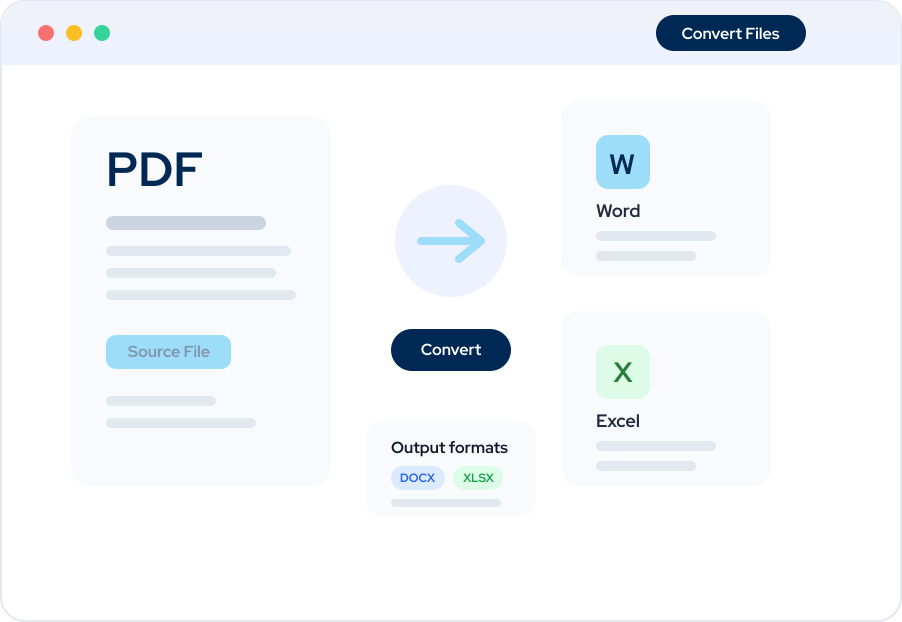
Convert PDF to Word and Excel
Maintain formatting accuracy when converting academic documents into editable formats.
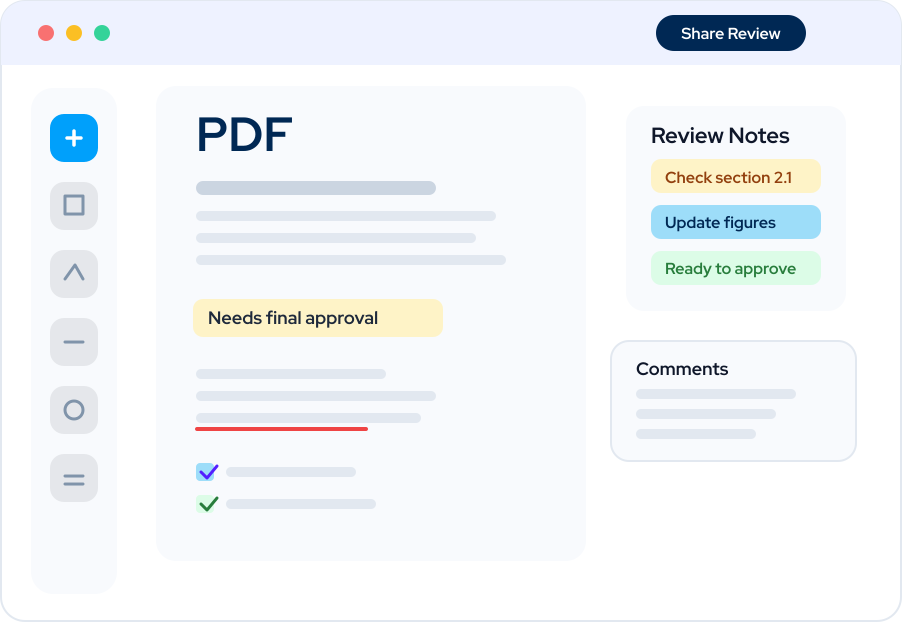
Annotate and Review
Add comments, highlights, shapes, and notes, ideal for reviewing research papers or collaborating on group assignments.
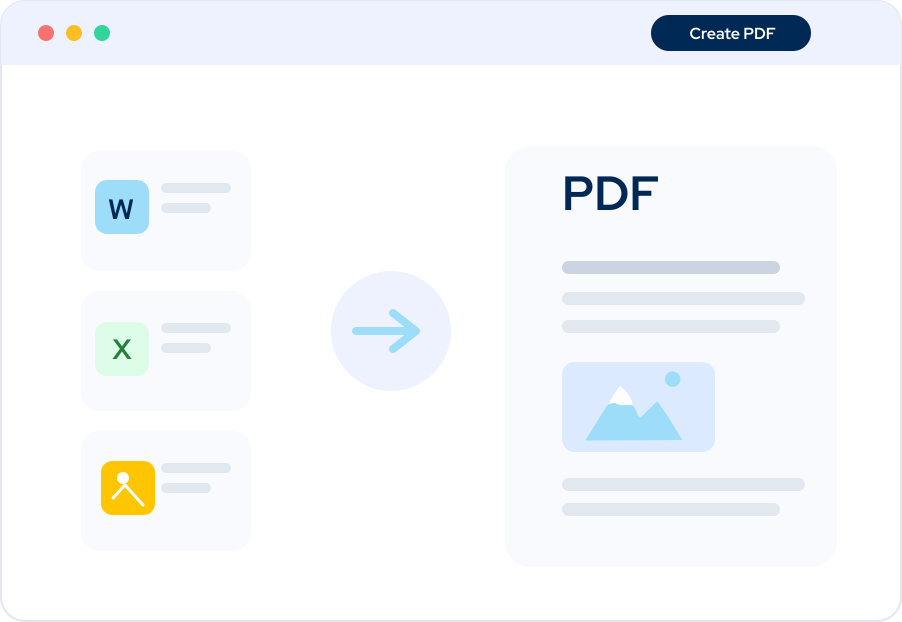
Merge and Organize Files
Combine lecture slides, articles, and references into structured research files.
Optical Character Recognition (OCR)
Turn scanned textbooks and handwritten notes into searchable, editable text.

ANGEBOT
Power PDF für den Bildungsbereich
PDF-Bearbeitung, Konvertierung und eSign-Tools
- Forschungs- und Vorlesungsmaterialien annotieren
- Sofortige Konvertierung von Word-, Excel- und PDF-Dateien
- Akademische Dokumente schützen und signieren
Power PDF Advanced, Standard and for Mac, is suitable for Education workflows. It offers a full-featured editing and conversion solution, making it easy to annotate lecture notes, organize research, collaborate on assignments, and manage documents.
Glossary
PDF Editing Software
Software that allows users to modify text, images, layout, and structure directly within PDF documents.
Optical Character Recognition (OCR)
Technology that converts scanned documents into machine-readable and searchable text.
PDF-Konvertierung
The process of transforming PDF files into editable formats such as Word or Excel.
Academic Document Workflow
A structured process that includes reading, annotating, editing, converting, organizing, and submitting academic documents.